A large language model for text and visual context
Space Bunny LLM.More context for your next idea.
Explore Space Bunny LLM for coding, document analysis and multimodal reasoning. Bring text, images or video, adjust reasoning effort, and test your workflow in the playground before connecting the API.
- Token context window
- 1M
- Maximum completion tokens
- 524K
- Input types: text, image and video
- 3
Review this production incident, identify the likely root cause, and propose the safest recovery plan.
Prompt sent to Space Bunny

Space Bunny
Multimodal reasoning model
// Illustrative capability signals. Run your own prompt in the playground below.
Space Bunny playground
Send a signal into deep space
Chat with Space Bunny. Adjust reasoning effort, request JSON, or add a public image or video URL.
Usage-based credits
space-bunny
1M context · text, image and video input
What should the bunny investigate?
Ask an open-ended question, review code, reason across a long document, or attach a public image or video URL.
Try a field test
From prompt to response
One request. A very large working memory.
Keep the model call on your server, choose the reasoning effort for the job, and send text or multimodal context in the standard chat format.
- 01
Bring the context
Send a prompt alone, a long document, source code, an image URL or a compatible video URL.
❯ messages = [{ role: 'user', content }] - 02
Set the reasoning effort
Start at low for everyday work, then raise the effort when a task benefits from deeper reasoning.
❯ reasoning = { effort: 'low' } - 03
Use the response
Render the answer, request JSON, or connect tool calls while your application keeps authority over side effects.
❯ answer = response.choices[0].message
More than a chat box
Long-context reasoning for real work.
Use Space Bunny for coding, research, visual understanding and agent workflows through one consistent API.
reasoning = { effort: selected }
A million tokens of context
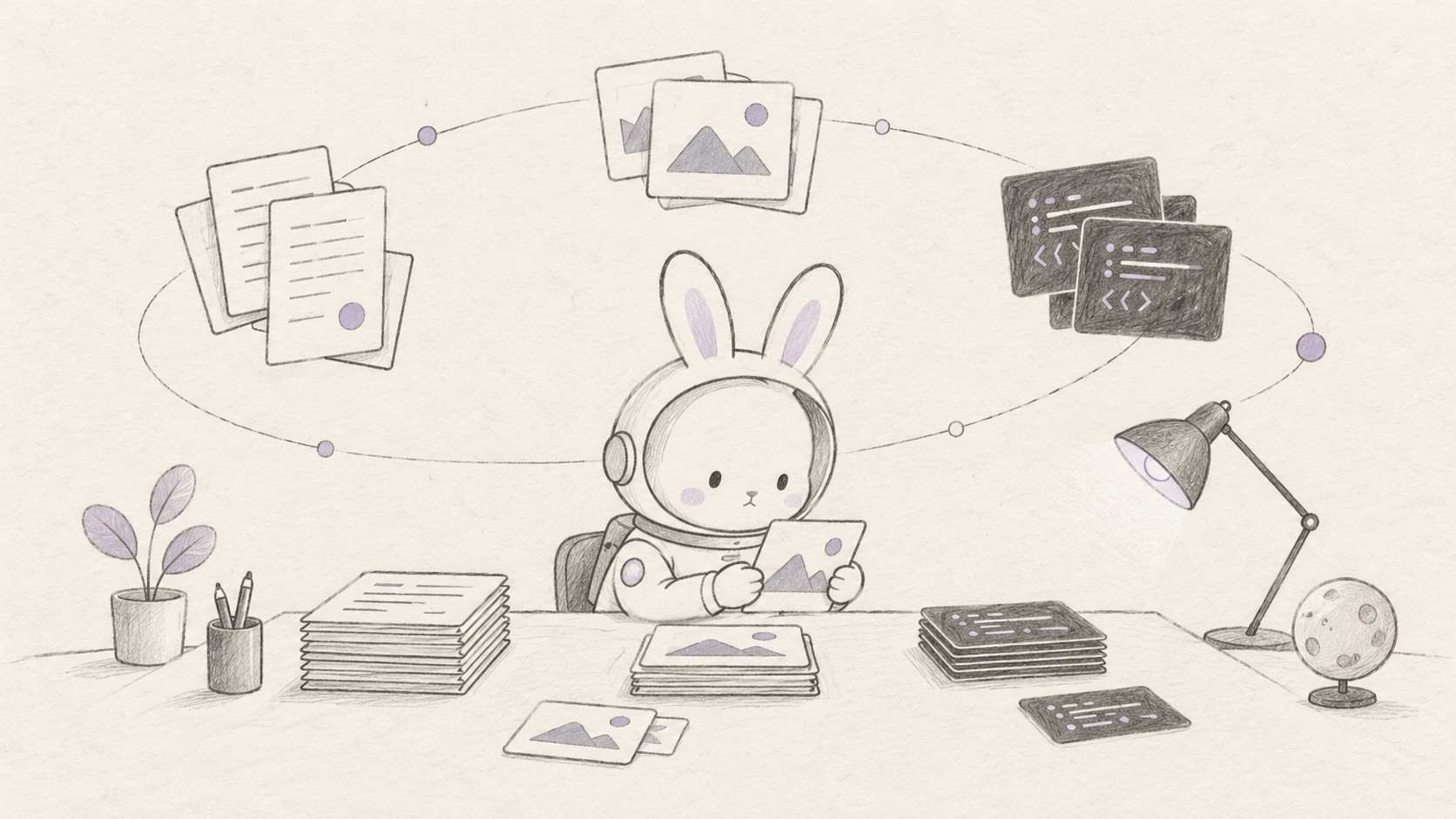
Work across long documents, large repositories and extended sessions without fragmenting the task into tiny pieces.
82%
GPQA Diamond · field test
Five reasoning levels
Choose low, medium, high, xhigh or max reasoning effort to match the task's speed and depth.
- text
- image
- video
- tools
Text, images and video
Ask about source code, screenshots, diagrams or video and receive a text response in the same conversation.
tools = [get_file, search_records]
response = chat({ model, messages, tools })
await execute_approved(response.tool_calls)
Built for tool use
Give the model functions and let it request the right tool with structured arguments.
$ curl -X POST /api/v1/chat/completions
  -H "Authorization: Bearer sk_…"

200 OK · 118ms
Developer-friendly API
Use the familiar chat completions format, optional JSON responses and standard usage metadata.
An independent field guide
Explore current capabilities, model details, API examples and practical boundaries before you ship.
Put it to work
A long-context model for more than chat
Space Bunny combines coding, multimodal input, tool calling and adjustable reasoning in one model endpoint.
response = client.chat.completions.create(
    model="space-bunny",
    messages=[{"role": "user", "content": repo_context}],
    extra_body={"reasoning": {"effort": "high"}},
)

review = response.choices[0].message.content
// trace
- context_window1,000,000
- reasoning_efforthigh
Designed for developers
Connect your product to Space Bunny
Use a familiar chat request format for text, multimodal context, structured output and tool calls. Keep every API key on the server.
- OpenAI-compatible REST
- Streaming, JSON and tools
- Server-side API keys
from openai import OpenAI

client = OpenAI(
    base_url="https://spacebunny.app/api",
    api_key=SPACE_BUNNY_API_KEY,
)

response = client.chat.completions.create(
    model="space-bunny",
    messages=[{
        "role": "user",
        "content": "Review this design"
    }],
    extra_body={"reasoning": {"effort": "low"}},
)

# response.choices[0].message.content
A minimal request — Change reasoning effort without changing endpoints
# Configure an OpenAI-compatible client

# 1. endpoint
export SPACE_BUNNY_API_URL="https://spacebunny.app/api"

# 2. configure
export SPACE_BUNNY_API_KEY="sk_your_key_here"
export OPENAI_MODEL="space-bunny"
Your application keeps control
The model can request a tool call, but your code still validates permissions, arguments, side effects and human approval boundaries.
Agent integration
Give your agent more room to think
Connect Space Bunny to your agent stack and choose the reasoning effort for each task.
- 1
Use the Space Bunny endpoint
Connect your client to the Space Bunny API and use the chat request format your agent already understands.
- 2
Keep the key server-side
Store the API key in your server environment and never expose it in browser code or public prompts.
- 3
Offer only approved tools
Define the functions your agent may request, then validate arguments and permissions before execution.
Documentation
From first prompt to a production Space Bunny call
Start with the model ID and message format, then add multimodal input, reasoning controls, tools and structured output.
Quickstart
Create an API key, send your first chat request, and read the returned assistant message.
Add multimodal input
Mix text with an image_url or video_url content part when the task needs visual context.
Control reasoning
Choose low, medium, high, xhigh or max reasoning effort for the speed and depth your task needs.
Know the boundaries
The model is anonymous and in preview. Architecture, parameter count, training details and knowledge cutoff are not disclosed.
Recent blog posts
Field notes from the model frontier
Experiments, integration notes and practical ways to use Space Bunny.

AI Models
Space Bunny LLM: Features, API & Evaluation Guide
Explore Space Bunny LLM with verified model facts, API examples, practical prompts and an evaluation checklist. Includes current preview availability notes.
Oct 3, 2026 · 11 min read
AI Models
Space Bunny Alpha Model: Practical Evaluation Guide
Explore the Space Bunny Alpha model with a practical guide to context, reasoning, API setup, multimodal tasks, pricing checks, and repeatable evaluation.
Oct 3, 2026 · 12 min read

AI Guides
Space Bunny Free Model: Access, Limits & Setup Guide
Explore the Space Bunny free model: compare access routes, understand credits and preview limits, try useful prompts, and build a practical evaluation plan.
Oct 3, 2026 · 11 min read

AI Models
Space Bunny Alpha AI Model: Specs, API, Benchmarks and Real Use Cases
A practical guide to the Space Bunny Alpha AI model: 1M-token context, multimodal input, reasoning levels, API setup, benchmarks, risks and use cases.
Sep 27, 2026 · 15 min read
Plans and usage
Space Bunny Pricing
Start free in the playground, then choose a permanent credit pack when you are ready for more Space Bunny usage.
One-time purchase. No subscription, no auto-renewal, and credits never expire.
Starter
100,000 permanent credits for experiments, prototypes and your first integration
- 100,000 credits, no expiry
- 1 workspace
- 1 concurrent request
- Standard speed
- Text, image and video prompts
- Text and JSON output
- Adjustable reasoning effort
- Online playground
- API key management
- Email support
Pro
1,000,000 permanent credits for regular long-context, multimodal and tool workflows
- 1,000,000 credits, no expiry
- Unlimited workspaces
- 3 concurrent requests
- Fast lane
- Text, image and video prompts
- Text and JSON output
- Long-context conversations
- API access
- Usage and request history
- Priority support
Enterprise
11,000,000 permanent credits, including 10% extra, for teams and high-volume workloads
- 11,000,000 credits, no expiry (10% extra included)
- Everything in Pro
- 10 concurrent requests
- Dedicated fast lane
- Team workspaces and collaboration
- Custom integration support
- Security and permission guidance
- Dedicated support
- Priority production processing
- Product roadmap feedback
FAQ
Space Bunny LLM FAQ
Get to know the model, try your first prompt and plan your API integration.
Put Space Bunny LLM to work.
Start with a coding question, a document or a visual task. Test the result in the playground, then bring the same workflow into your application through the API.
Try the LLM playground