
AI Models
Space Bunny LLM: Features, API & Evaluation Guide
Explore Space Bunny LLM with verified model facts, API examples, practical prompts and an evaluation checklist. Includes current preview availability notes.

Space Bunny LLM refers to the Space Bunny Alpha reasoning model and the services that provide access to it. Its published capabilities include a million-token context window, text and visual input, adjustable reasoning, and text output. The useful question is whether those capabilities improve a specific task: reviewing a change, finding evidence in documents, or interpreting a screenshot.
This guide explains the model, separates advertised capabilities from website integration limits, and gives you a repeatable evaluation workflow. SpaceBunny.app provides a playground, API access and supporting documentation. Prompts and scorecards below are suggested methods, not results from a benchmark we ran.
Availability checked October 3, 2026: OpenRouter announces that its Space Bunny Alpha preview route is scheduled to end on October 5, 2026. This announcement does not establish that every Space Bunny access service will close on the same date. Confirm your chosen route before integrating it. OpenRouter model listing.
Table of contents
- What is Space Bunny LLM?
- Model capabilities versus access limits
- How to use long context effectively
- Choosing a reasoning level
- Working with images and video
- A practical Space Bunny API example
- A coding workflow you can review
- Build a small evaluation scorecard
- Pricing and the cost of a useful answer
- Preparing for preview changes
- Frequently asked questions
What is Space Bunny LLM?
An LLM, or large language model, generates responses from the instructions and context you provide. Space Bunny adds visual inputs and configurable reasoning to that basic interaction. It can return explanations, code and JSON text; accepting images does not mean it generates images.
Separate three things when researching it:
- The model: Space Bunny Alpha, an anonymous preview model.
- The access service: a website or API provider handling authentication, billing and requests.
- The route: the particular endpoint and model identifier used by your application.
These distinctions prevent common mistakes. A provider's free offer does not make another website free. A model-level feature does not guarantee that every interface exposes it. A friendly label in a playground may differ from the identifier expected by an API.
The underlying developer remains undisclosed in the reviewed listing. There is no basis here for assigning it to a specific laboratory, inventing a parameter count, or calling it open weight. Judge the available service by documented behavior and your own task results.
Model capabilities versus access limits
The Space Bunny LLM overview presents the following capabilities. Treat the right-hand column as questions to resolve before depending on them.
| Published capability | Practical interpretation |
|---|---|
| 1,000,000-token context | Model capacity; your access layer may accept much smaller requests |
| Up to 524,288 completion tokens | An advertised model ceiling, not a recommended or universally available output size |
| Text, image and video inputs | Mixed evidence can be analyzed; supported formats depend on the route |
| Text output | Answers may contain prose, code or JSON |
| Five reasoning levels | low, medium, high, xhigh, max; measure the tradeoff on your tasks |
| JSON responses | Parse and validate the actual fields and values |
| Tool calling | Requires an interface that exposes tools and an application that validates execution |

A concrete integration distinction: the website adapter inspected for this article limits requests to 96 KiB, 24 messages and 24,000 characters per message. Its output setting is capped at 16,384 tokens, and it does not forward tools or tool_choice. These are current repository implementation limits, not independent measurements of the underlying model or confirmation of a particular deployed revision.
This matters when planning a repository review. Do not assume that a million-token model listing means you can paste an entire repository into this website endpoint. Start with the interface you will actually use, then design the task around its accepted inputs.
How to use long context effectively
Long context is useful when a decision depends on relationships across sources: a requirement, its implementation, an exception buried in a policy, and a later correction. The goal is to preserve relevant relationships, not maximize prompt size.
Prepare an evidence packet with a short task description and stable source labels. For example, label a requirements extract REQ-01, an implementation excerpt CODE-02, and an incident timeline LOG-03. Include dates and versions when those change the answer. Exclude generated files, repeated boilerplate and unrelated history.
Then ask a narrow question:
Compare REQ-01 with CODE-02 using LOG-03 as context.
Find the three most consequential mismatches.
For each, give the source label, exact supporting excerpt,
likely impact, and one check that could disprove the finding.
If the supplied material is insufficient, identify what is missing.
Do not infer implementation details from filenames alone.
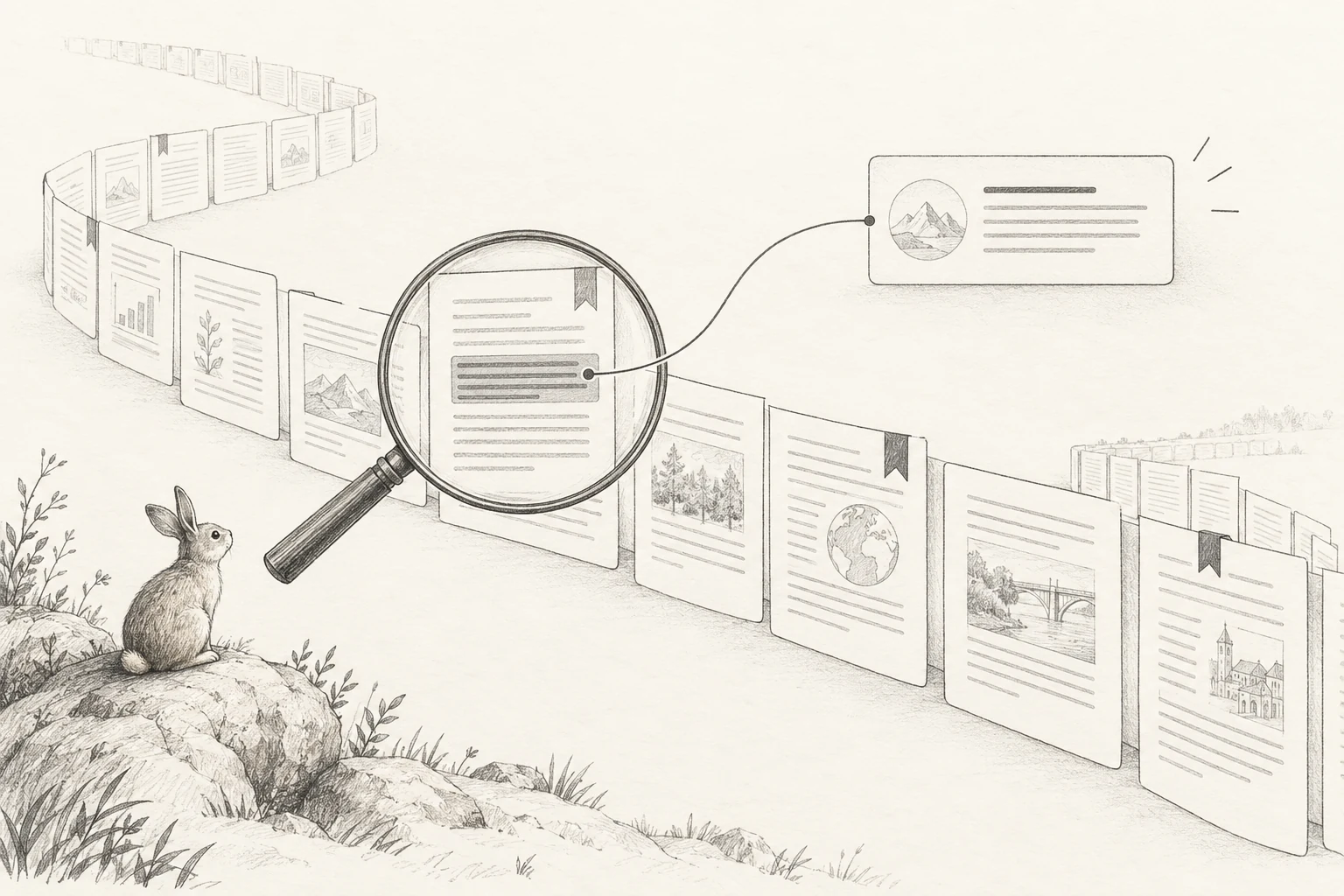
This format makes verification cheaper. Instead of deciding whether a fluent answer sounds plausible, you can inspect a cited passage and test a claim. Add one deliberately unanswerable question to your evaluation; a useful response identifies the gap rather than inventing evidence.
For larger collections, first request an index or select relevant passages outside the model. Expand the packet only when an unresolved question requires more material. Keep enough room for instructions and the answer within your route's limits. Context capacity is working space for a request, not durable memory across unrelated sessions.
Choosing a reasoning level
Start with low for straightforward extraction, short explanations and routine drafting. Increase the setting when a task involves competing constraints, multi-step diagnosis or a difficult design decision. Treat this as an experiment rather than an automatic quality upgrade.
Use the same prompt and evidence at two settings, such as low and high. Hold the output limit and other controls constant. Compare correct findings, unsupported claims, total latency and usage. A longer answer is not necessarily a better one, and a reasoning setting does not repair missing evidence.

For an incident review, define success before running either request: identify the likely failure path, cite the relevant log entry, and propose a reversible diagnostic step. Prefer the least expensive setting that consistently satisfies those requirements.
Avoid comparing a short low-effort prompt with a heavily revised high-effort prompt. That changes two variables and makes the result hard to interpret. Record the exact setting rather than relying on a provider default that may change later.
Working with images and video
Visual inputs help when the problem is partly visible: a layout defect, an architecture diagram, a chart, or a product demonstration. Pair the media with the purpose of the review and the constraints a reviewer should apply.
A useful screenshot prompt is:
Review this checkout screenshot for obstacles to completing payment.
List at most five observations. For each, describe the visible region,
the potential user problem, and how a human should verify it.
Separate visible evidence from assumptions about behavior.
Do not claim keyboard or screen-reader testing from an image.
For video, ask for timestamped observations and inspect the decisive frames yourself. If small text matters, supply a transcription or an enlarged view. Confirm that the selected route can retrieve the media URL and supports its format; a generic video capability label does not settle codec, duration or size limits.
The website adapter reviewed here expects text in content and a message-level media object with type and url. It converts that object for the upstream service. Do not assume an arbitrary multimodal content array accepted elsewhere will work unchanged here. Use shareable sample media while verifying the integration.
A practical Space Bunny API example
The Space Bunny API documentation describes authentication and request controls. Create a website API key, keep it in a server environment, and ensure the account has available credits.
The following request uses fields checked against the documentation and the website repository on October 3, 2026. It is an integration example, not a live inference result:
curl -N --max-time 120 https://spacebunny.app/api/v1/chat/completions \
  -H "Authorization: Bearer $SPACE_BUNNY_API_KEY" \
  -H "Content-Type: application/json" \
  -d '{
    "model": "stealth/space-bunny-alpha",
    "messages": [{
      "role": "user",
      "content": "Return a JSON object with a summary and three checks for reviewing an API change."
    }],
    "reasoning": { "effort": "low" },
    "max_completion_tokens": 2048,
    "response_format": { "type": "json_object" }
  }'
Use max_completion_tokens for this adapter; its current implementation does not read max_tokens. The route selects stealth/space-bunny-alpha internally, so sending a different model value does not switch models.
Also inspect the response protocol before using an SDK. The current adapter normally emits custom server-sent events with delta and done event types. curl -N displays the stream without buffering. JSON mode describes the generated answer, not the entire HTTP response. Assemble the answer text before parsing and validating it; handle stream errors separately.
A familiar chat endpoint name alone does not establish full SDK compatibility. Verify authentication failures, insufficient credits, timeouts and malformed responses with small requests before connecting a larger workflow.
When a request fails, diagnose the layer before changing the prompt. A 401 calls for checking the website key; 402 indicates insufficient credits; 413 means the request needs to be smaller. An upstream rejection or invalid response can surface as 502. These statuses describe different problems and should not all trigger the same retry policy.
With streaming, receiving the first text fragment is not proof that the request finished successfully. Keep partial text separate from an accepted answer, and inspect the final completion or error event. Log a request identifier, timing and error category without logging credentials or unnecessary prompt content. Retry transient failures within a bounded budget, but do not repeatedly resend an oversized request. This small amount of integration discipline makes failures explainable and prevents a demonstration from becoming an unreliable dependency.
A coding workflow you can review
For coding work, ask Space Bunny to establish the failure path before suggesting a patch. Supply the smallest useful set of files: the entry point, relevant implementation, interfaces, and an existing test or reproducible example.
Task: investigate the duplicate notification described below.
First identify the execution path and supporting file references.
Then propose the smallest change that addresses the cause.
Preserve public interfaces and avoid unrelated refactoring.
List a reproduction check and any remaining uncertainty.
If a needed file is absent, request it before inventing its contents.

Review the explanation against the repository, inspect the proposed diff, and run checks relevant to the change. Reject invented dependencies, unrelated rewrites and claims that a test passed without an actual test record. A helpful answer reduces uncertainty and leaves a change you can review.
If you later use an access route that exposes tool calls, begin with read-only tools. Validate tool names, arguments, permissions and results. Require explicit approval where the workflow needs it, such as sending messages or modifying production records. Model-level tool support does not itself grant execution authority, and this website adapter currently does not expose a complete tool-calling loop.
Build a small evaluation scorecard
Start in the Space Bunny playground with examples you can judge. A first evaluation does not need hundreds of prompts: use eight to twelve representative tasks, including ordinary cases, a missing-information case and a conflicting-evidence case.
Define expected behavior before looking at the answers. For a policy question, record the source passage that settles it. For a code change, record the reproduction and required behavior. For JSON extraction, define required keys, allowed values and what to return when a value is absent.

| Dimension | What to record | Example acceptance criterion |
|---|---|---|
| Correctness | Expected answer versus actual result | Required behavior is satisfied |
| Grounding | Whether cited evidence exists and supports the claim | Every consequential finding is traceable |
| Output contract | JSON parsing and field validation | Required keys and value types pass validation |
| Operational behavior | Completion time, failures and retries | Fits the timeout for this workflow |
| Review effort | Human corrections and verification time | Less total effort than the existing process |
These are suggested criteria, not reported Space Bunny scores. Choose thresholds appropriate to your application instead of copying an arbitrary universal pass rate.
Repeat difficult cases and keep failures in the record. Save prompt version, route, model identifier, reasoning level and output cap alongside each result. When comparing another model, use the same evidence and acceptance criteria. Separate unsupported requests from wrong answers: a rejected oversized payload measures an integration limit, not reasoning accuracy.
For extraction, include an absent value and require null rather than a guess. For a screenshot, include an observation that cannot be established visually. For coding, include a plausible but irrelevant file. These cases reveal whether the system follows evidence and constraints instead of merely producing convincing prose.
Use a task-specific adoption decision. An internal drafting assistant may be useful even when every answer needs editing. A workflow that updates customer records needs a much stricter output contract and authorization boundary. Do not average these into a single impressive-looking score.
For example, suppose an answer extracts all requested fields but invents a missing account identifier. The extraction looks mostly complete, yet it should fail the acceptance check for a record-update workflow. Conversely, an answer that returns null and names the missing source may be operationally correct. Decide which outcome you want before reviewing results.
Finish the first round by choosing one of three next steps: use it for a narrowly defined task, revise the integration and repeat the same cases, or keep the existing process. Preserve the reasons for that decision so a later preview update can be evaluated against the same standard.
Pricing and the cost of a useful answer
The current OpenRouter preview listing shows free model usage, while SpaceBunny.app has its own credits and commercial terms. Consult the Space Bunny pricing page for the service you are actually using. Do not transfer a price promise between providers.
Track the cost of an accepted answer, not just an individual request. Include retries, discarded responses and human review. A nominally cheap call can be expensive if its answer takes ten minutes to repair. Likewise, additional reasoning may be worthwhile when it reduces the total work needed to reach a correct result.
Preparing for preview changes
The announced October 5 retirement on OpenRouter makes a fallback plan immediately relevant. Kilo also labels its listing as retiring October 5. Neither statement proves what a separate website will offer afterward. Kilo model listing.
Keep the service URL, credentials and model configuration separate from application logic. Save a few representative prompts and expected outputs, and test them on a replacement route before relying on it. Check input formats, output parsing and privacy terms again when switching.
For OpenRouter's stealth route, the listing says the provider may retain prompts and completions while excluding them from training. That distinction matters: “not used for training” is not “never stored.” Read the terms of your chosen access service before submitting confidential material.
Archive evaluation notes with their date. If a preview disappears, those records still tell you which behaviors the next model must reproduce.
Frequently asked questions
Is Space Bunny LLM the same as Space Bunny Alpha?
The phrase commonly refers to Space Bunny Alpha, but the website, model and API route are separate layers. Check the identifier and provider rather than relying only on a display name.
Does Space Bunny generate images or video?
The reviewed specifications describe image and video input with text output. They do not establish image or video generation.
Can I use the full million-token context through the website?
Do not assume so. The website implementation inspected for this guide imposes smaller request limits. Confirm the limits of the deployed route before designing a large-document workflow.
Is valid JSON guaranteed to be correct?
No. Parseability does not establish correct values or compliance with your business rules. Validate required fields, types, ranges and evidence before using the result.
Is this a measured review of model quality?
No. This is a source-checked usage guide and evaluation method. It does not claim hands-on benchmark scores or verified superiority over other models.
Start with one small task whose correct outcome you understand. Keep the evidence, inspect the answer and record the effort required to make it useful. That produces a more dependable decision about Space Bunny LLM than a feature list alone.