
AI Models
What Is Space Bunny? A Practical Guide to the 1M-Context AI Model
What is Space Bunny? Learn how the anonymous 1M-context multimodal AI model works, what it supports, how to use its API, and where it fits.

What Is Space Bunny? A Practical Guide to the 1M-Context AI Model
Space Bunny Alpha is an anonymous preview AI model available directly through the Space Bunny API. It combines a one-million-token context window with text, image, and video input, text output, adjustable reasoning effort, JSON responses, and tool calling. Its public model ID is space-bunny.
That short answer covers the specification, but not the useful part. A large context window does not automatically make a model accurate, multimodal input does not remove the need for validation, and an anonymous preview model should not be treated like a mature production dependency. This guide explains what Space Bunny is, what its features mean in practice, how to try it, and how to decide whether it belongs in your workflow.
At a glance: Space Bunny is most interesting for long-document analysis, repository-scale code review, multimodal investigation, structured responses, and agent experiments. It is less suitable when provider identity, fixed behavior, strict data residency, long-term availability, or independently verified benchmarks are mandatory.
Table of contents
- What is Space Bunny Alpha?
- Space Bunny features at a glance
- What does a one-million-token context window mean?
- How multimodal input works
- How adjustable reasoning works
- How to use Space Bunny
- Best use cases
- Space Bunny, chat models, and Jev
- Limitations and risks
- How to evaluate it
- FAQ
What is Space Bunny Alpha?
Space Bunny Alpha is an anonymous preview model: its underlying developer has chosen not to disclose its identity during the preview. Space Bunny provides the public playground, API, documentation, credits, and integration guidance. The model appeared publicly in September 2026.
According to the current Space Bunny documentation and API guide, it offers:
- a 1,000,000-token context window;
- up to 524,288 completion tokens;
- text, image, and video input;
- text output;
- five reasoning-effort settings:
low,medium,high,xhigh, andmax; - tool calling through
toolsandtool_choice; - JSON output through
response_format; - streaming and non-streaming requests through a familiar chat-completion API shape.
The word Alpha matters. It tells you that capabilities, limits, price, latency, and availability may change. The free playground preview is useful for evaluation, but a preview offer is not a permanent commercial promise. Build experiments so that a model can be replaced without rewriting the whole product.
It is also useful to separate the model from the product surface around it. SpaceBunny.app provides the playground, API, documentation, examples, pricing, and product guidance. The underlying model provider remains undisclosed during the preview.
Space Bunny features at a glance
| Feature | Current public specification | Why it matters |
|---|---|---|
| Model ID | space-bunny |
The identifier used in Space Bunny API requests |
| Context window | 1,000,000 tokens | Can accept unusually large working sets in one request |
| Maximum completion | 524,288 tokens | Allows very long outputs, although shorter limits are usually safer |
| Inputs | Text, image, video | Supports mixed evidence in one conversation |
| Output | Text | Images and video are analyzed, not generated |
| Reasoning effort | Low to max, five levels | Lets applications trade response depth against speed and usage |
| Structured output | JSON object | Useful for downstream code, with application-side validation |
| Tools | Function calling | Lets the model request approved application functions |
| Availability | Anonymous preview via Space Bunny | Good for testing; requires a fallback plan for production |
| Current price | Free playground preview | Attractive for evaluation; paid credits may apply to continued use |
This table is a specification summary, not a quality guarantee. Context capacity says how much can fit, not how much the model will use well. Tool support says a model can request a function, not that the requested action is correct or authorized. JSON mode improves parseability, but the application must still validate types, required fields, allowed values, and business rules.
What does a one-million-token context window mean?

A context window is the model's working space for the current request. It includes instructions, conversation history, documents, code, image or video representations, tool definitions, tool results, and the model's output budget. One million tokens is large enough to hold many books or a substantial software repository, but tokens do not map cleanly to pages or files. Formatting, source language, code density, and media processing all change the count.
The practical advantage is fewer artificial seams. Instead of splitting a design review into dozens of isolated calls, you can provide architecture notes, relevant modules, incident logs, and test output together. The model can compare evidence that would otherwise live in separate chunks.
That does not mean “paste everything.” Long prompts create four problems:
- Signal dilution. Irrelevant files make important evidence harder to find.
- Latency and reliability. Larger requests take longer and expose more opportunities for timeouts or provider limits.
- Cost uncertainty. The preview is currently free, but future pricing or route changes may make indiscriminate context expensive.
- Evaluation difficulty. When an answer is wrong, a massive unstructured prompt is hard to debug.
A better pattern is to treat the context window as headroom, not a target. Start with a clear task, include an architecture map or index, add the evidence needed to answer, and tell the model how to cite file names or document sections. For repository review, include the dependency boundary and failing path first, then expand only when the model identifies a concrete information gap.
How multimodal input works

Space Bunny accepts text, images, and video as input and returns text. That makes it a multimodal understanding model rather than an image or video generator.
In practice, a user message may contain an ordered array of content parts. Put the instruction first, then the media reference. Images can use reachable public URLs or supported base64 data URLs. Video compatibility may depend on the active Space Bunny API configuration, so test the exact format, file size, duration, and URL accessibility before building around it.
Useful multimodal tasks include:
- reviewing a UI screenshot for hierarchy, accessibility, or visual defects;
- comparing a diagram with an implementation plan;
- extracting observations from a product demo or incident recording;
- analyzing a chart alongside the source notes that explain it;
- combining repository context with a screenshot of the actual failure.
Media input can improve grounding, but it does not prove that every visual detail was perceived correctly. Ask for evidence: request bounding descriptions, timestamps, visible labels, or uncertainty notes. If a decision matters, verify the cited visual region yourself.
How adjustable reasoning works

The five reasoning settings let you choose how much inference effort the model should spend. They are not five separate models, and a higher setting is not automatically better for every task.
- Low is the sensible default for extraction, rewriting, simple classification, and routine code explanation.
- Medium fits multi-step analysis where the path is clear but some comparison is required.
- High is appropriate for architecture review, debugging, migration planning, or decisions with interacting constraints.
- Xhigh and max are best reserved for the hardest cases after you have shown that lower effort misses something important.
The Space Bunny docs currently recommend setting the effort explicitly. Do that so latency and behavior do not change by accident when the service default changes.
Use an evaluation set instead of intuition. Run the same representative tasks at two or three levels, then compare correctness, latency, output length, and failure modes. If low gives the same usable answer as high, the extra reasoning is waste. If high catches a rollback risk that low misses, the higher setting has measurable value.
How to use Space Bunny
The easiest starting point is the Space Bunny playground. Use a real task rather than “Hello.” A good first prompt has a clear objective, enough context to answer, an expected output shape, and a request to separate evidence from assumptions.
For API use, create a Space Bunny API key, store it in a server-side secret, and send a chat-completion request to https://spacebunny.app/api/v1/chat/completions. The SDK base URL is https://spacebunny.app/api. Never put an API key in browser code, public prompts, screenshots, or a repository.
curl https://spacebunny.app/api/v1/chat/completions \
  -H "Authorization: Bearer $SPACE_BUNNY_API_KEY" \
  -H "Content-Type: application/json" \
  -d '{
    "model": "space-bunny",
    "messages": [
      {
        "role": "user",
        "content": "Review this migration plan. Separate confirmed risks from assumptions and propose the smallest safe rollout."
      }
    ],
    "reasoning": { "effort": "low" },
    "max_tokens": 2000
  }'
For JSON, set response_format to { "type": "json_object" } and explicitly describe the keys you expect. Current documentation does not promise full JSON Schema enforcement, so parse defensively and reject invalid values.
For tools, define only the functions needed for the current task. Treat the model's function name and arguments as untrusted input. Your application should verify the user, permission, resource scope, argument types, rate limit, idempotency, and approval requirement before execution.
Best use cases
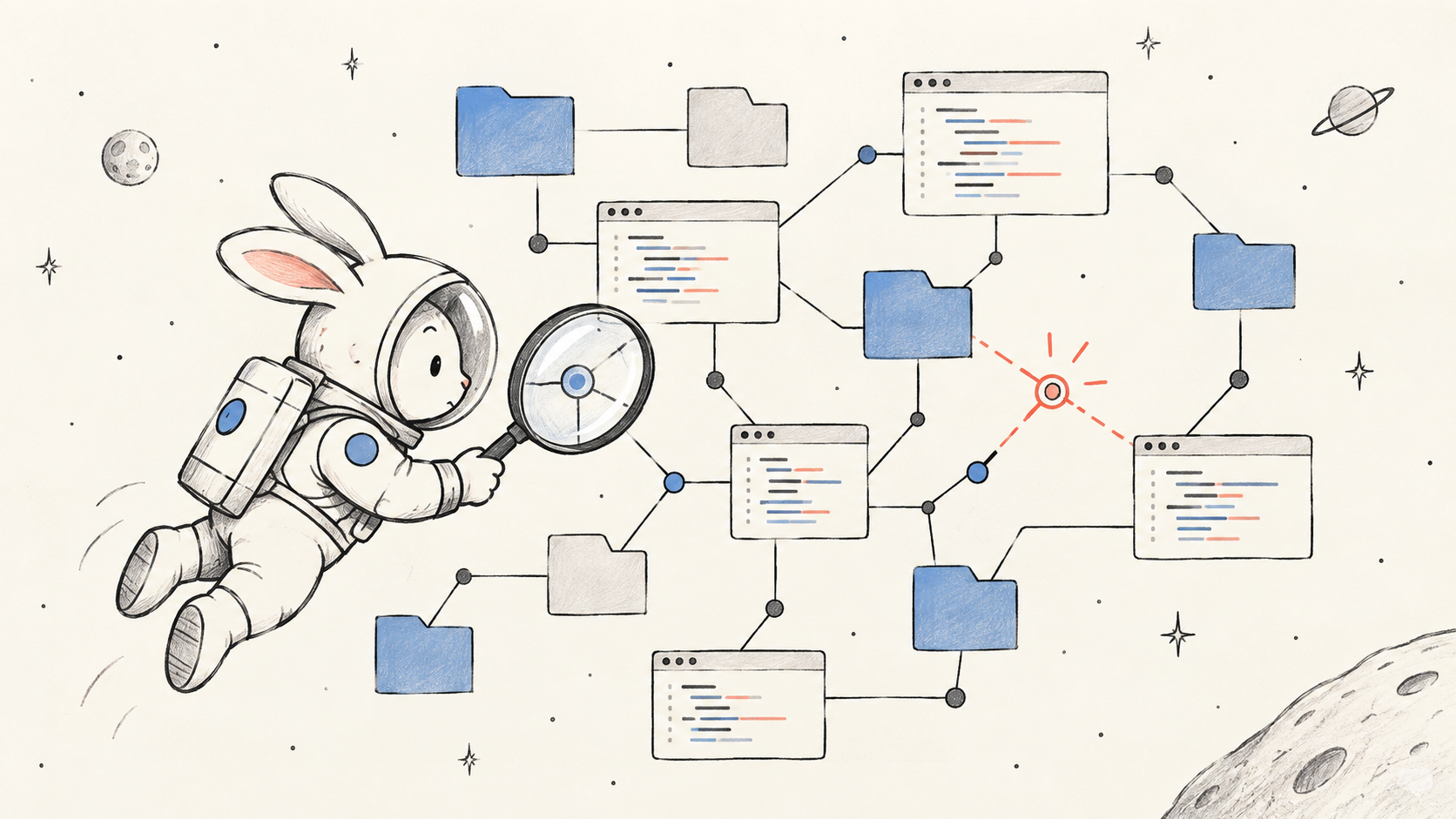
Repository-scale code and incident review
Space Bunny's most obvious differentiator is the ability to hold broad technical context. Give it an architecture overview, the affected modules, relevant tests, logs, and a precise question. Ask it to cite each conclusion to a file or log fragment. Do not ask for a sweeping rewrite; ask for the smallest safe fix and a verification plan.
Long-document synthesis
The model can compare policies, contracts, research notes, or product requirements in one working set. Request a conflict matrix, a list of unresolved questions, and citations. This is more useful than a generic summary because it produces an auditable map of where sources agree or differ.
Visual investigation
Pair screenshots, diagrams, or video with textual context. Examples include reviewing an interface against accessibility requirements, checking whether a sequence diagram matches code behavior, or turning a demo recording into a test checklist.
Structured planning
JSON output can turn an analysis into a machine-readable plan. Keep the schema small and validate it. A useful plan might include summary, risks, steps, owner, and verification, with enumerated values for severity and status.
Tool-enabled agents
Space Bunny can request functions, which makes it suitable for read-only research agents, record lookup, code search, and carefully guarded operational workflows. The model should propose; application code should authorize and execute.
Space Bunny, chat models, and Jev
Space Bunny is a generative reasoning model. It is designed to read broad context and produce explanations, code, plans, JSON, or tool requests. That makes it useful for open-ended work where the answer cannot be fully enumerated in advance.
Some software decisions are narrower. Routing a ticket, scoring risk, choosing an approved queue, or deciding whether a human must review an action may benefit from a typed decision model. The Jev Model overview describes a System One approach that returns constrained choices, scores, probabilities, and confidence rather than long prose. The Jev API documentation shows how one state can be evaluated against several typed questions in parallel.
The models therefore fit different layers:
- use Space Bunny to understand a large repository, investigate evidence, or draft a migration plan;
- use Jev to make bounded routing, scoring, guardrail, or triage decisions that software consumes directly;
- keep permissions, queues, retries, and side effects in deterministic application code.
You can explore that distinction in the Jev playground, read the practical explainer What Is Jev Model?, or compare current access options on the Jev pricing page. These are complementary patterns, not a claim that one model replaces the other.
Limitations and risks
The most important limitation is uncertainty about the underlying model. Architecture, parameter count, training data, training method, knowledge cutoff, safety process, and long-term roadmap are not publicly disclosed. That makes independent due diligence harder.
Before sending confidential material, review the current Space Bunny privacy policy and terms of service. Remove secrets, personal data, credentials, regulated data, and customer content unless your legal and security requirements explicitly permit the workflow.
Other boundaries include:
- Preview instability: behavior, price, capacity, or availability can change.
- No inherent truth guarantee: a large context window does not prevent hallucinations or missed evidence.
- Text-only output: media can be analyzed, but the model does not return generated images or video.
- Video compatibility: a valid public video URL may still fail when it does not meet the Space Bunny API's current media requirements.
- JSON still needs validation: syntactically valid output can violate business rules.
- Tool calls are proposals: they do not carry authorization.
- Benchmark caution: promotional or field-test numbers are not substitutes for a documented, reproducible evaluation on your tasks.
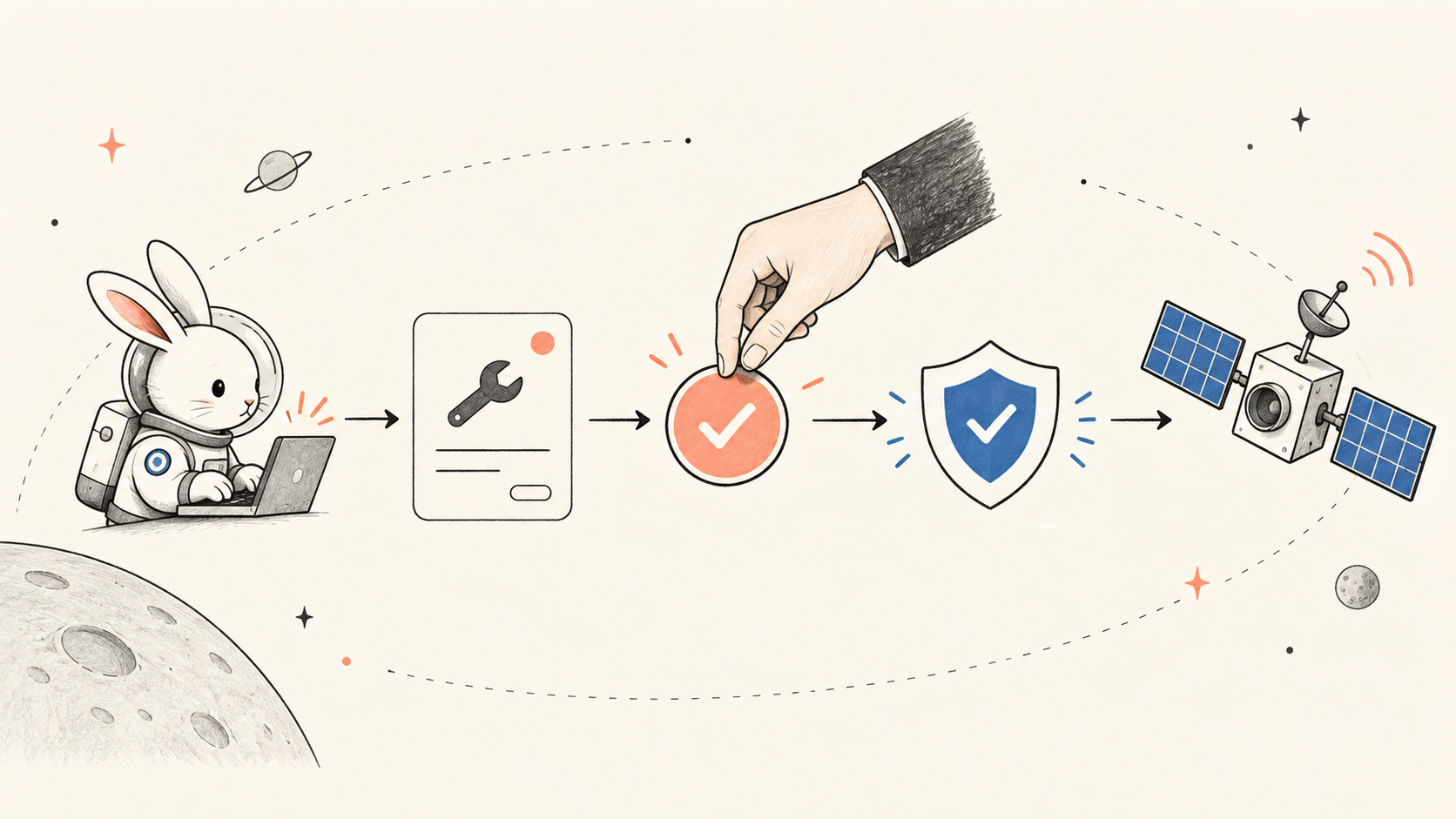
For production, place the model behind a server boundary, redact sensitive inputs, log model and route identifiers, cap tokens, set timeouts, retry only transient failures, validate every structured response, and provide a fallback model or human-review path. For writes, payments, deletion, permission changes, or external messages, require explicit application checks and, where appropriate, human approval.
How to evaluate it
Do not decide from a single impressive prompt. Build a small evaluation set from work you actually perform. Twenty to fifty cases can reveal far more than a generic leaderboard.
- Define the job. Choose one workflow, such as incident triage or repository review.
- Collect representative cases. Include normal, ambiguous, adversarial, and incomplete inputs.
- Write a rubric. Measure factual accuracy, evidence citation, missed risks, format validity, latency, and operator effort.
- Test context sizes. Compare a focused prompt with a very large prompt. More context should earn its cost.
- Test reasoning levels. Find the lowest setting that reliably meets the rubric.
- Exercise failures. Test unavailable media, invalid JSON, rate limits, timeouts, and tool arguments outside the allowed scope.
- Run a fallback. Confirm that your workflow degrades safely if the model disappears or changes.
The central question is not “Is Space Bunny intelligent?” It is “Does this model improve this workflow, under these constraints, with failures we can detect and contain?”
Frequently asked questions
Is Space Bunny the same as Space Bunny Alpha?
In current public materials, “Space Bunny” is the product-facing name and “Space Bunny Alpha” is the anonymous preview model exposed through the Space Bunny API as space-bunny.
Who made Space Bunny?
The underlying model developer is anonymous during the preview. Avoid guessing the maker from style, benchmarks, or rumors.
Is Space Bunny free?
The Space Bunny site offers a free playground preview and separate one-time credit packs. Pricing and availability can change, so check the pricing page before committing to a budget.
How much context does Space Bunny support?
The published context window is 1,000,000 tokens, with a listed maximum completion of 524,288 tokens. Your usable budget may be lower after messages, media, tools, and provider constraints are counted.
Can Space Bunny analyze images and video?
Yes. It accepts text, image, and video input and returns text. Verify video compatibility with the current Space Bunny API and ask the model to cite visible evidence or timestamps.
Does Space Bunny support function calling?
Yes. It supports tools and tool_choice. Your application must validate and authorize every requested function before execution.
Is it safe for production?
It can be evaluated for production workflows, but an anonymous alpha model needs stronger safeguards than a stable, contractually defined service. Review retention terms, avoid sensitive data by default, validate outputs, constrain tools, monitor behavior, and maintain a fallback.
Bottom line
Space Bunny Alpha is a compelling preview because it combines an unusually large context window, multimodal input, adjustable reasoning, structured output, and tool calling behind a familiar API. Its best use is not “chat, but with a rabbit name.” Its real value is the ability to reason across a broad working set and then hand a text, JSON, or tool proposal back to your application.
The right way to adopt it is experimentally: start in the Space Bunny playground, read the API guide, test your own cases, and measure failure as carefully as success. Use the million-token window selectively, set reasoning effort explicitly, and keep authority over data and actions in your code.